> ## Documentation Index
> Fetch the complete documentation index at: https://docs.contraforce.com/llms.txt
> Use this file to discover all available pages before exploring further.
# ContraForce User Management
> Users can be added to the ContraForce Portal. Additionally, ContraForce has built in user roles to further control access.
## Managing Users
Adding users is not part of workspace onboarding — you manage your team at any time after your modules are deployed. User and group management is handled directly in the ContraForce portal — no separate enterprise application consent is required. Group-to-workspace mapping is managed entirely within the portal.
Add new users from the **Settings → User Management** tab. If your user has the correct permissions, the **Add User** button is available on the top right of the page next to the **Search** bar.
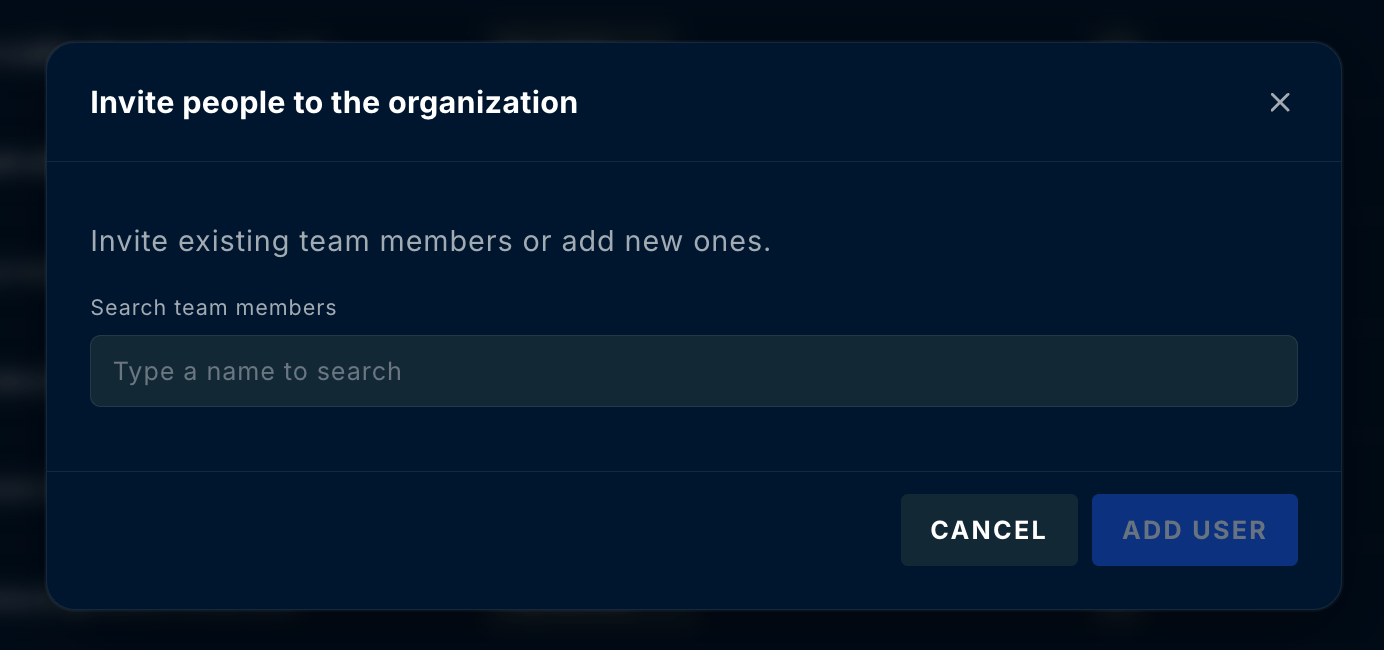
 Click **Add User** to open the **Invite people to the organization** dialog. Use **Search team members** to find an existing team member by name (or add a new one), then click **Add User**. Each user is assigned a role that controls their access. A table showing the different capabilities of each role is shown below, and additional information about ContraForce roles can be found in the [Roles & Permissions reference](/guides/general-support/roles-and-permissions-reference).
 | User Type | View Incident Data | Manage Users | Run Gamebooks | Manage Data Connectors | Manage Endpoints |
| ---------------------- | ------------------ | ------------ | ------------- | ---------------------- | ---------------- |
| **Admin** | x | x | x | x | x |
| **Incident Analyst** | x | | | | |
| **Incident Responder** | x | | x | | x |
| **Data Source Admin** | x | | | x | |
If you have questions about the user management process in ContraForce, please contact us at [support@contraforce.com](mailto:support@contraforce.com).
| User Type | View Incident Data | Manage Users | Run Gamebooks | Manage Data Connectors | Manage Endpoints |
| ---------------------- | ------------------ | ------------ | ------------- | ---------------------- | ---------------- |
| **Admin** | x | x | x | x | x |
| **Incident Analyst** | x | | | | |
| **Incident Responder** | x | | x | | x |
| **Data Source Admin** | x | | | x | |
If you have questions about the user management process in ContraForce, please contact us at [support@contraforce.com](mailto:support@contraforce.com).