Managing Users
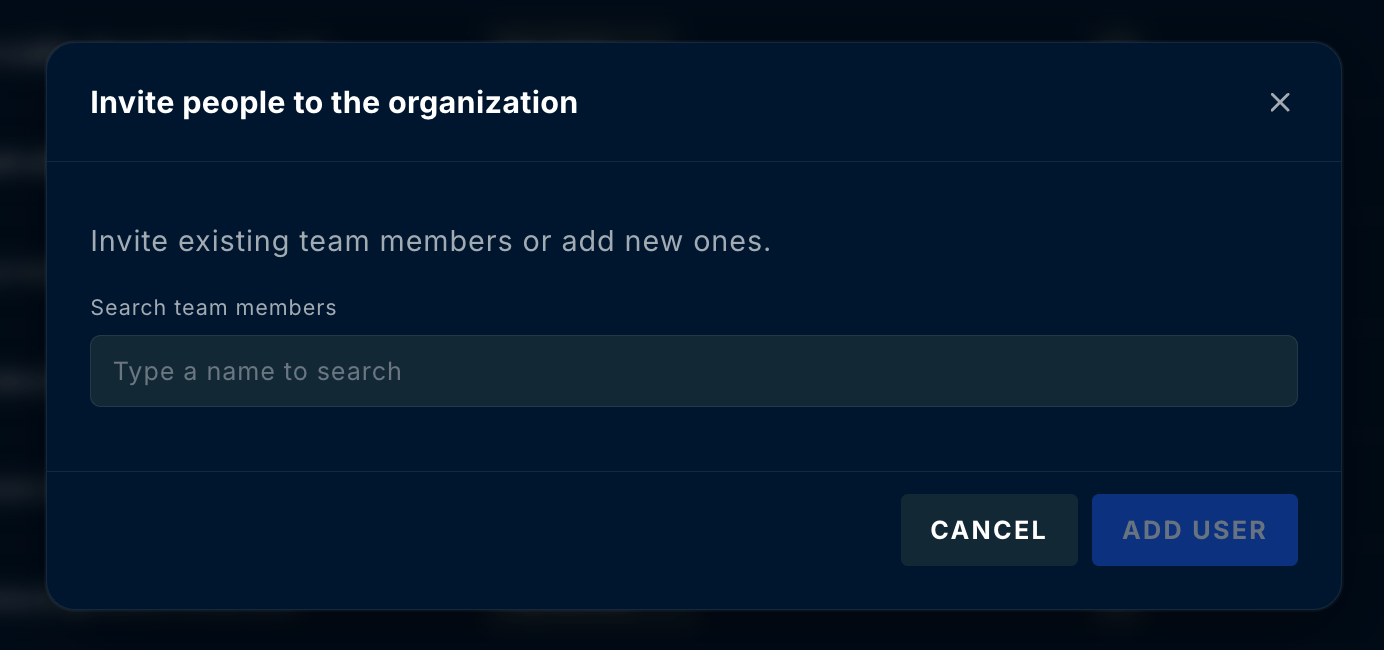
Adding users is not part of workspace onboarding — you manage your team at any time after your modules are deployed. User and group management is handled directly in the ContraForce portal — no separate enterprise application consent is required. Group-to-workspace mapping is managed entirely within the portal. Add new users from the Settings → User Management tab. If your user has the correct permissions, the Add User button is available on the top right of the page next to the Search bar.