

Documentation Index
Fetch the complete documentation index at: https://docs.contraforce.com/llms.txt
Use this file to discover all available pages before exploring further.
Configuring the Workspace
On the ContraForce Workspaces page, the environment can be pre-configured for QRadar. Start by adding the Tenant Name, Tenant ID, and Customer Admin Email for the account. Then select the XDR + SIEM configuration and QRadar will show as an option.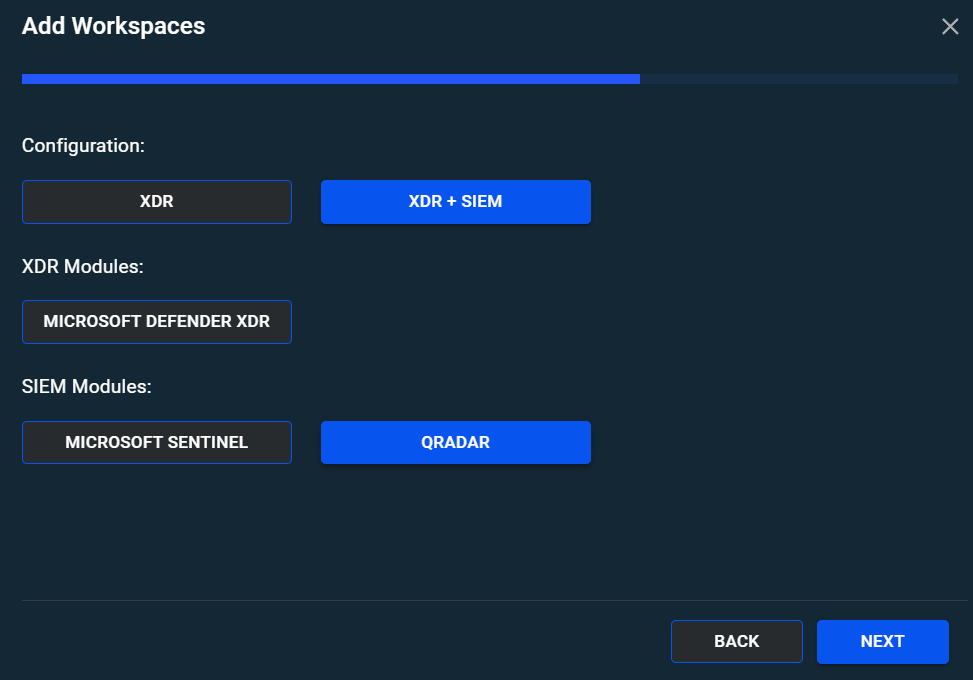
Onboarding Process
During the onboarding process, the ContraForce Onboarding Wizard will ask for the Instance URL of the QRadar instance as well as the Authorized Service Token for the QRadar instance. Documentation on how to generate these can be found here.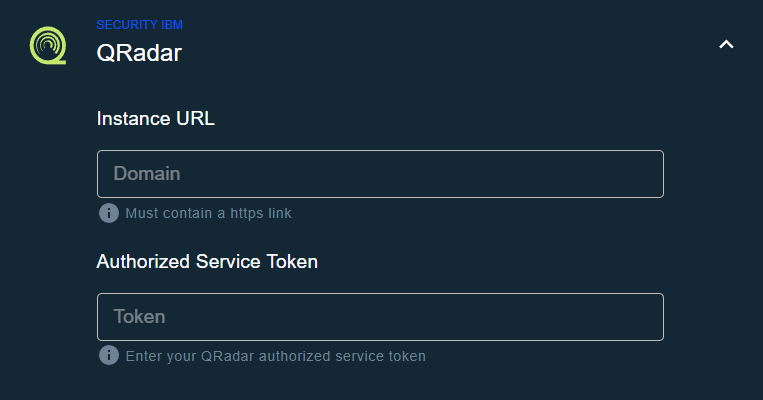 Additionally, during the QRadar onboarding process ContraForce will ask for consent for the two main enterprise applications which are the ContraForce API and ContraForce Portal. Pop-up windows from Microsoft will appear during the deployment process. Documentation on the ContraForce API can be found here and documentation for the ContraForce Portal can be found here.