Overview
ContraForce has two modules that can be selected during the deployment process. There is the Defender module and then there is the XDR + SIEM module. Each module supports different products and can be selected based on the needs of the environment. Detection sources are managed from the Detection modules section of a workspace. ContraForce’s XDR detection modules include Microsoft Defender XDR, CrowdStrike Falcon, and SentinelOne; the XDR + SIEM module adds Microsoft Sentinel. Each module shows whether it is Configured and Enabled, and you can add modules with Add Module.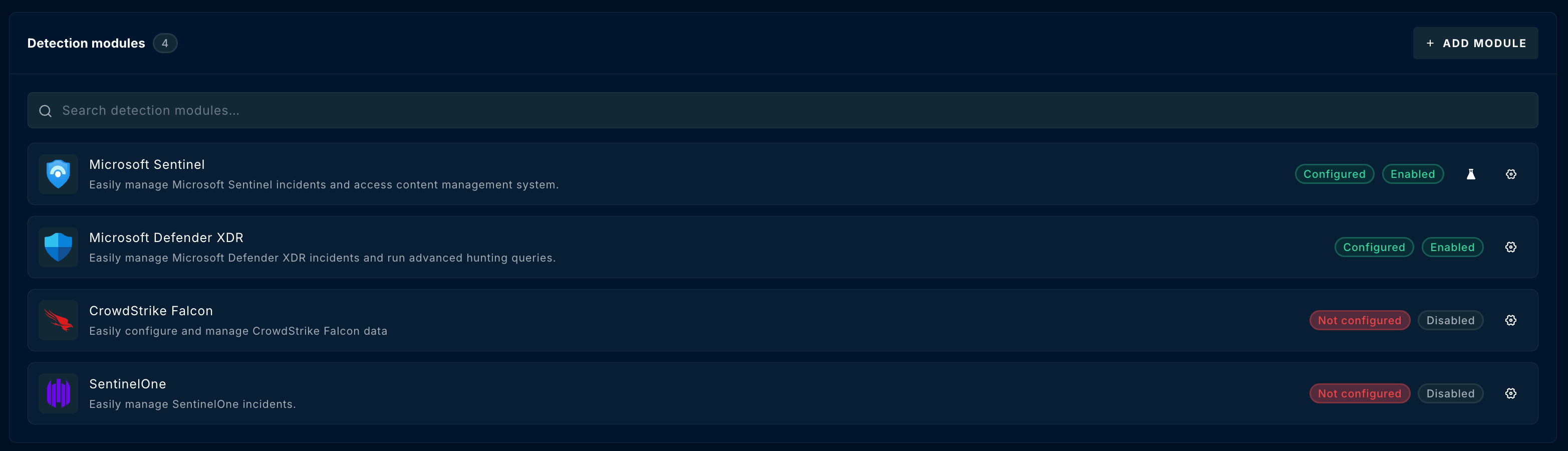
ContraForce Defender Module
The ContraForce Defender module supports onboarding environment where Defender for Endpoint has been deployed. The onboarding guide for the Defender module can be found here. When the Defender module is deployed, the following ContraForce features are not available:- SIEM Incidents
- Sentinel Advanced Threat Hunting
ContraForce XDR + SIEM Module
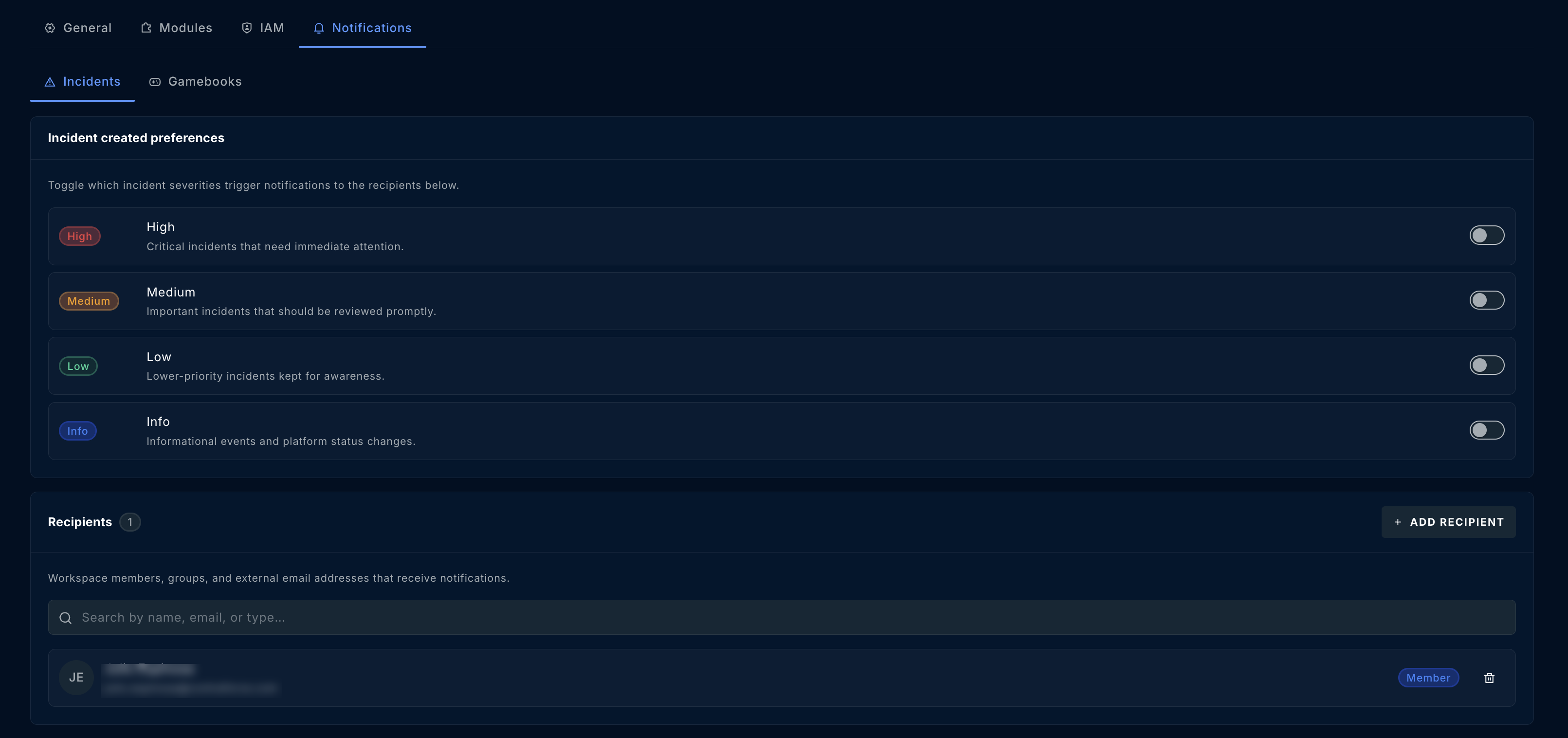
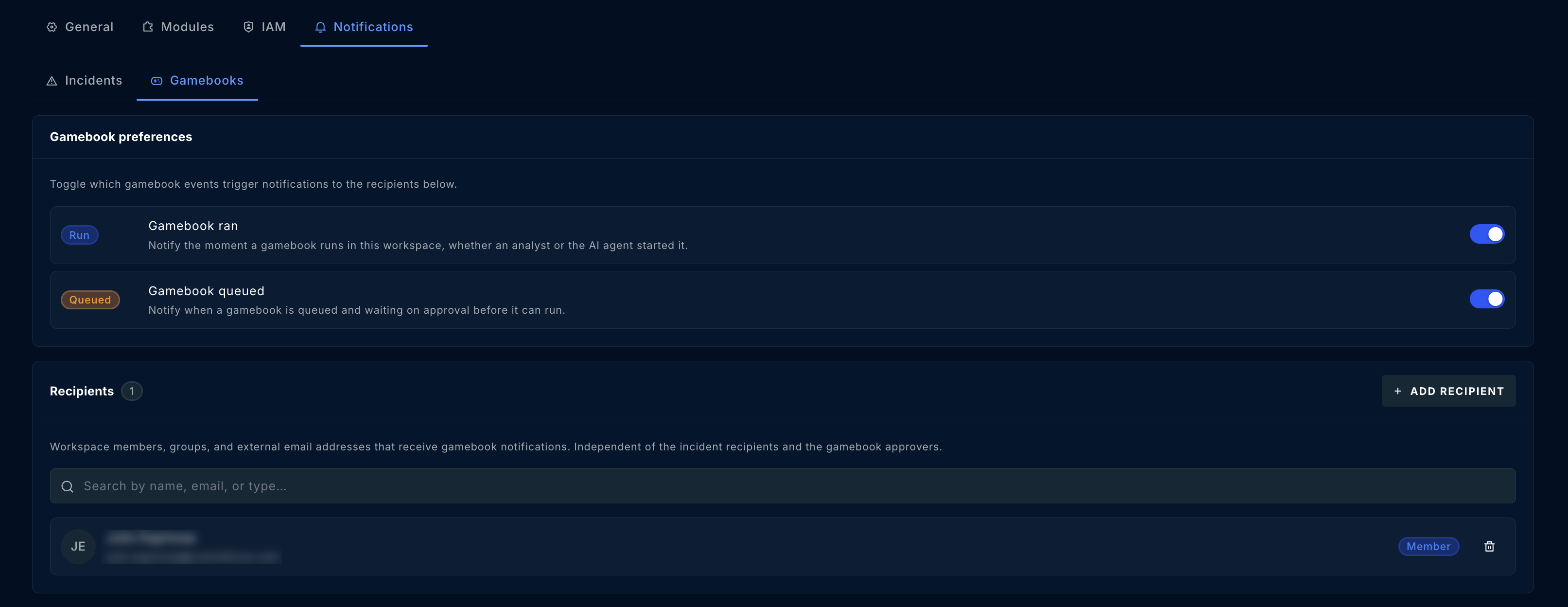
The ContraForce XDR + SIEM module expands on the Defender module as the XDR + SIEM includes the Defender module as well as support for Microsoft Sentinel and more. The onboarding guide for Microsoft Sentinel can be found here. Onboarding of a XDR + SIEM module unlocks the functionality of the XDR + SIEM Incidents and Sentinel Advanced Threat Hunting pages. Additionally, onboarding a XDR + SIEM module allows the user to customize notifications per workspace from the Notifications tab of the workspace settings. Incident notifications can be toggled by severity (High, Medium, Low, Info), with the recipients who receive them listed below.